R
R.
5 out of 5 stars
Audio restoration and stem separation
It can bring back clarity without making everything sound too artificial or overprocessed. Stem separation is also surprisingly clean.
Download FlowMusic music with cover art, artist name, and song title using the FlowMusic Downloader.
FlowMusic was previously called ProducerAI, and before that Riffusion. Save your library before links disappear, then restore and master the tracks you own.
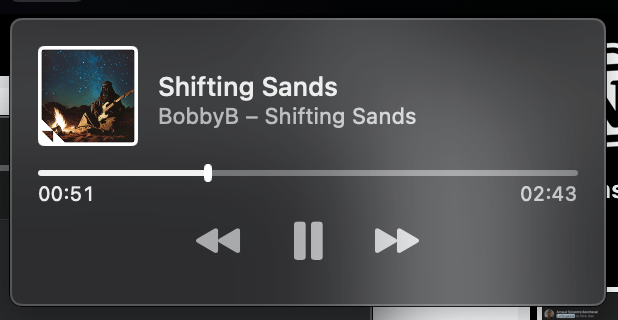
Grab the public URL of any FlowMusic song, or playlist.
Wait for the generation to finish. Make sure tracks are public.
Paste the link in the Neural Analog downloader box at the top of this page and click import.
Import the track, then download a tagged MP3 with cover art from Studio.
Want more? Upgrade for batch download, WAV upscaling and mastering.
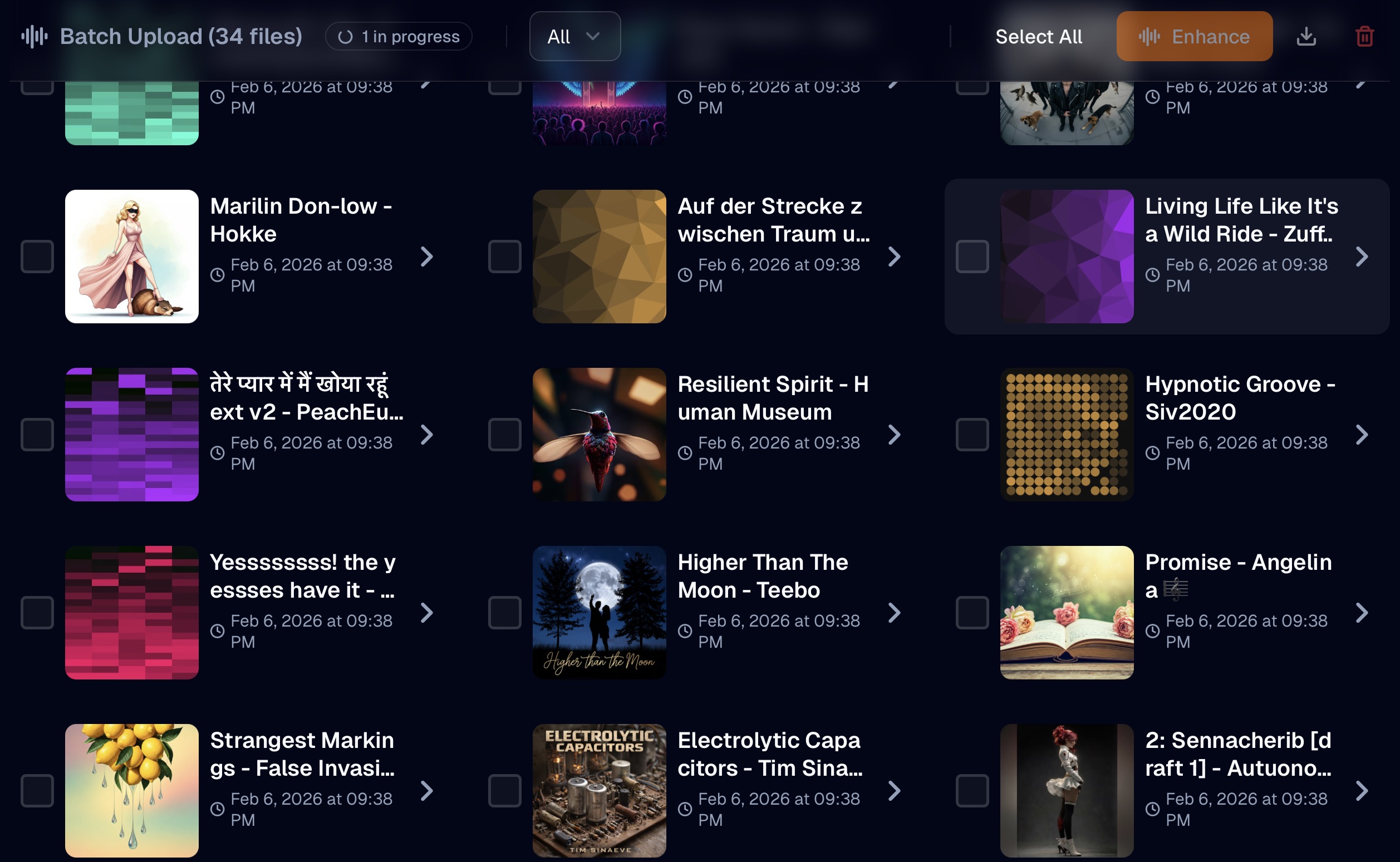
Batch import tracks from any public FlowMusic playlist.
Download them one by one, or use paid-plan batch export to get selected tracks at once.
FlowMusic generations are compressed audio. Restore missing detail and remove artifacts before mastering or releasing your track.
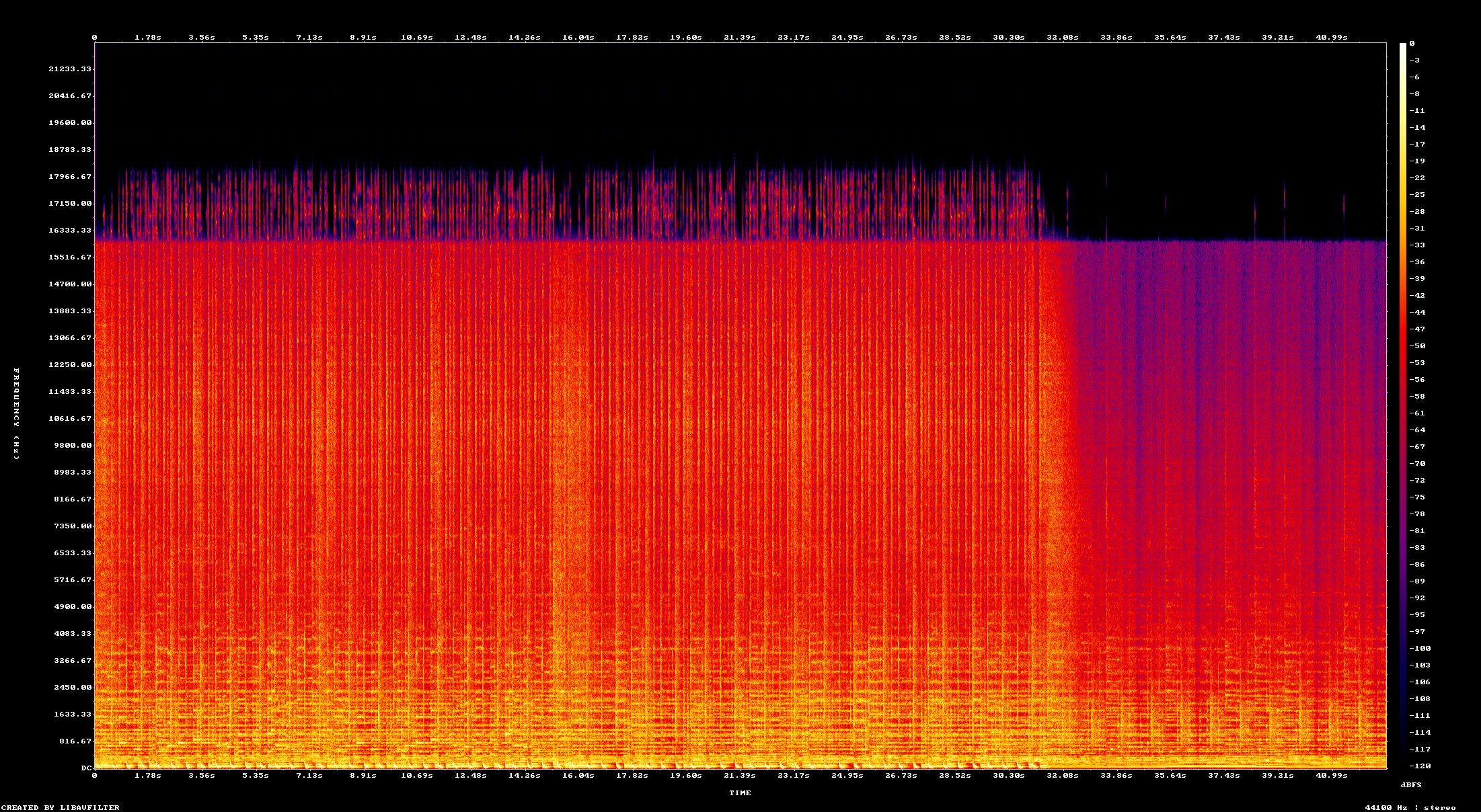
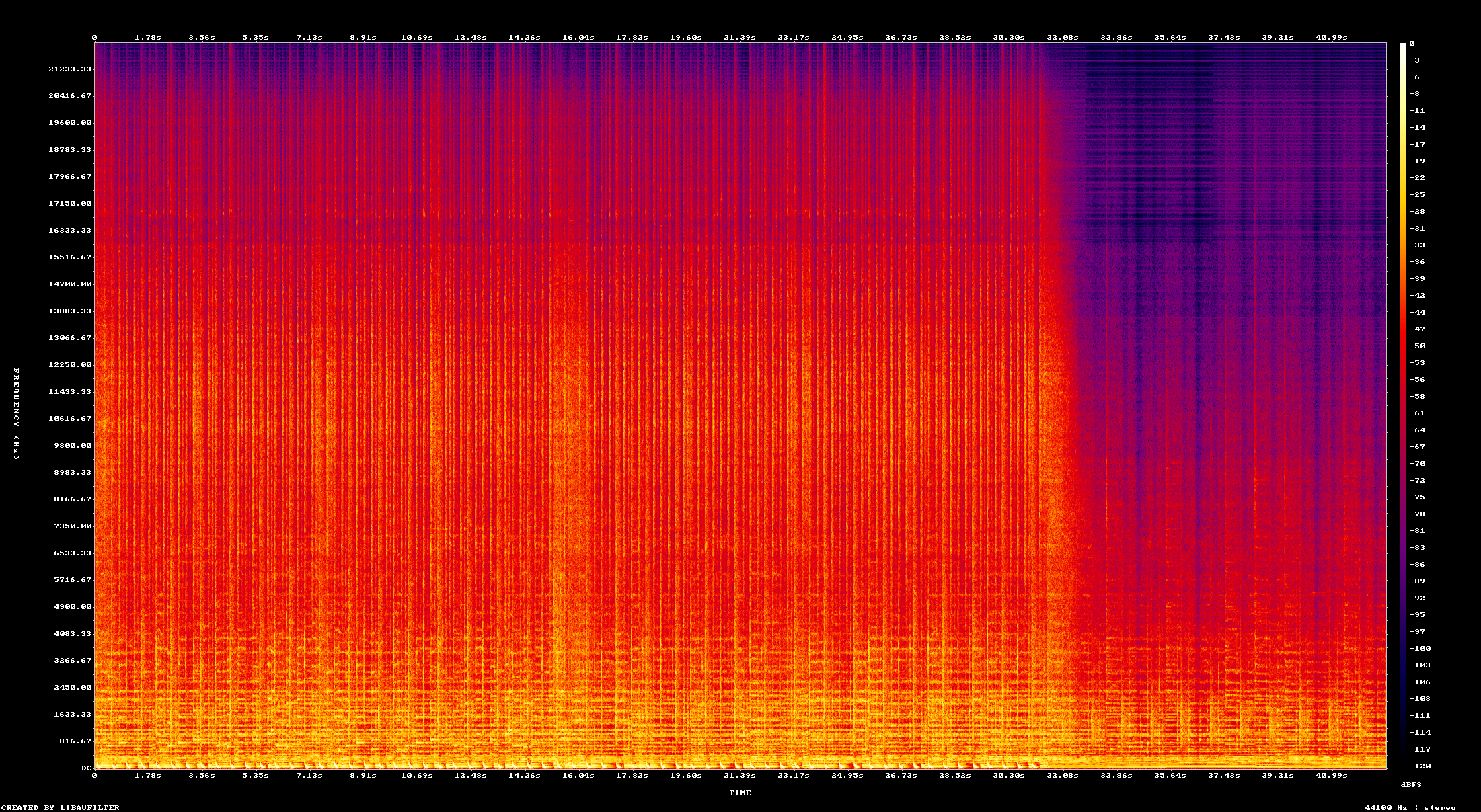
Compare the original spectrogram with the restored high-frequency detail.
R.
Audio restoration and stem separation
It can bring back clarity without making everything sound too artificial or overprocessed. Stem separation is also surprisingly clean.
N.
MP3 and CD audio restoration
Does amazing job in restoring Audio from bad quality MP3s and badly extracted audio from CDs. Always my go to for audio restoration.
Amazing tool for audio. Clean, simple, and effective. I would spend hours in RX to get the same results. Give it a try. I can save you hours of production time.
M.
Restoration and mastering
The flash upscaler mixed with the composite mix system makes it super easy to get closer to a song master that I'm happy with
I've been loving the app. The audio restoration works amazing on my suno songs
IMDK
I love the interface. I love the bulk upload/download features. They're a life saver! Also I just realized that Apollo is magic and I don't even need to use denoise. Apollo somehow removes noise much more naturally. So I'm actually spending way less credits than I expected.
Eve St. Jude
Production workflow
Neural Analog has been a godsend to me and my workflow, such a game changer. I'm more thankful than words can express, I don't know what I would have done without it.
Eve
amazing!!!! love this! THANK YOU! I just discovered batch dl, this feature SAVED ME
Wow thank you so much i upscale videos and take out live recordings from music because of my autism i hate the crowd
R.
Audio restoration and stem separation
It can bring back clarity without making everything sound too artificial or overprocessed. Stem separation is also surprisingly clean.
N.
MP3 and CD audio restoration
Does amazing job in restoring Audio from bad quality MP3s and badly extracted audio from CDs. Always my go to for audio restoration.
Amazing tool for audio. Clean, simple, and effective. I would spend hours in RX to get the same results. Give it a try. I can save you hours of production time.
M.
Restoration and mastering
The flash upscaler mixed with the composite mix system makes it super easy to get closer to a song master that I'm happy with
I've been loving the app. The audio restoration works amazing on my suno songs
IMDK
I love the interface. I love the bulk upload/download features. They're a life saver! Also I just realized that Apollo is magic and I don't even need to use denoise. Apollo somehow removes noise much more naturally. So I'm actually spending way less credits than I expected.
Eve St. Jude
Production workflow
Neural Analog has been a godsend to me and my workflow, such a game changer. I'm more thankful than words can express, I don't know what I would have done without it.
Eve
amazing!!!! love this! THANK YOU! I just discovered batch dl, this feature SAVED ME
Wow thank you so much i upscale videos and take out live recordings from music because of my autism i hate the crowd
It worked! Well done :) Many thanks :))))
Bjark
Easy to use and high quality results.


AI audio enhanced with Neural Analog
Paste your FlowMusic song URL into the FlowMusic Downloader input field. Neural Analog imports the public FlowMusic track into Studio, keeps available metadata such as title and cover art, and lets you download the imported audio or process it further. Producer.ai and older Riffusion links are treated as FlowMusic links when supported.
Paste a public FlowMusic playlist link in the FlowMusic Downloader to import the tracks. You can download FlowMusic playlist songs one by one from Studio, or use batch export to package selected tracks on a paid plan.
Currently, FlowMusic creator profiles do not list songs, which makes automatic imports impossible. To download your tracks, use individual song links or add them to a playlist, then paste that playlist link in the FlowMusic Downloader.
Use a FlowMusic playlist link in the FlowMusic Downloader. Neural Analog imports the available public tracks into Studio. You can download individual tracks for free, or package selected tracks with batch export on a paid plan.
You can import public audio links from Suno, AI music, and online sources and more. Use the provider-specific import pages from Tools or paste a supported link directly in Studio. Need another platform? Join Discord and ask..
Yes. The first import gives you the audio FlowMusic exposes, usually a compressed file. After importing it with the FlowMusic Downloader, run Audio Restoration to reduce artifacts and rebuild missing high-frequency detail before mastering or stem splitting.
Yes. Import the FlowMusic track with the FlowMusic Downloader, open it in Studio, then extract stems such as vocals, drums, bass, instrumental, or a custom prompt. Open the Stem Separation Guides.
When FlowMusic metadata is available, Neural Analog keeps the song title, artist name, and cover art with the imported track in Studio. MP3 and FLAC exports can embed that metadata so the file displays cleanly in your music library.
Free users' imports from AI music platforms can be shared publicly in community surfaces such as "Latest Uploads." Paid plans include privacy controls so you can keep tracks private.
Note that only tracks already public on AI music platforms can be imported (otherwise the robot can't scrape them).
"Latest uploads" help promote the service and create visibility for artists. If privacy is a concern, choose a paid plan.
Ditch the feed and start building your local high-fidelity library today.


