Neural Analog guide
Core taskSplit a song into stems
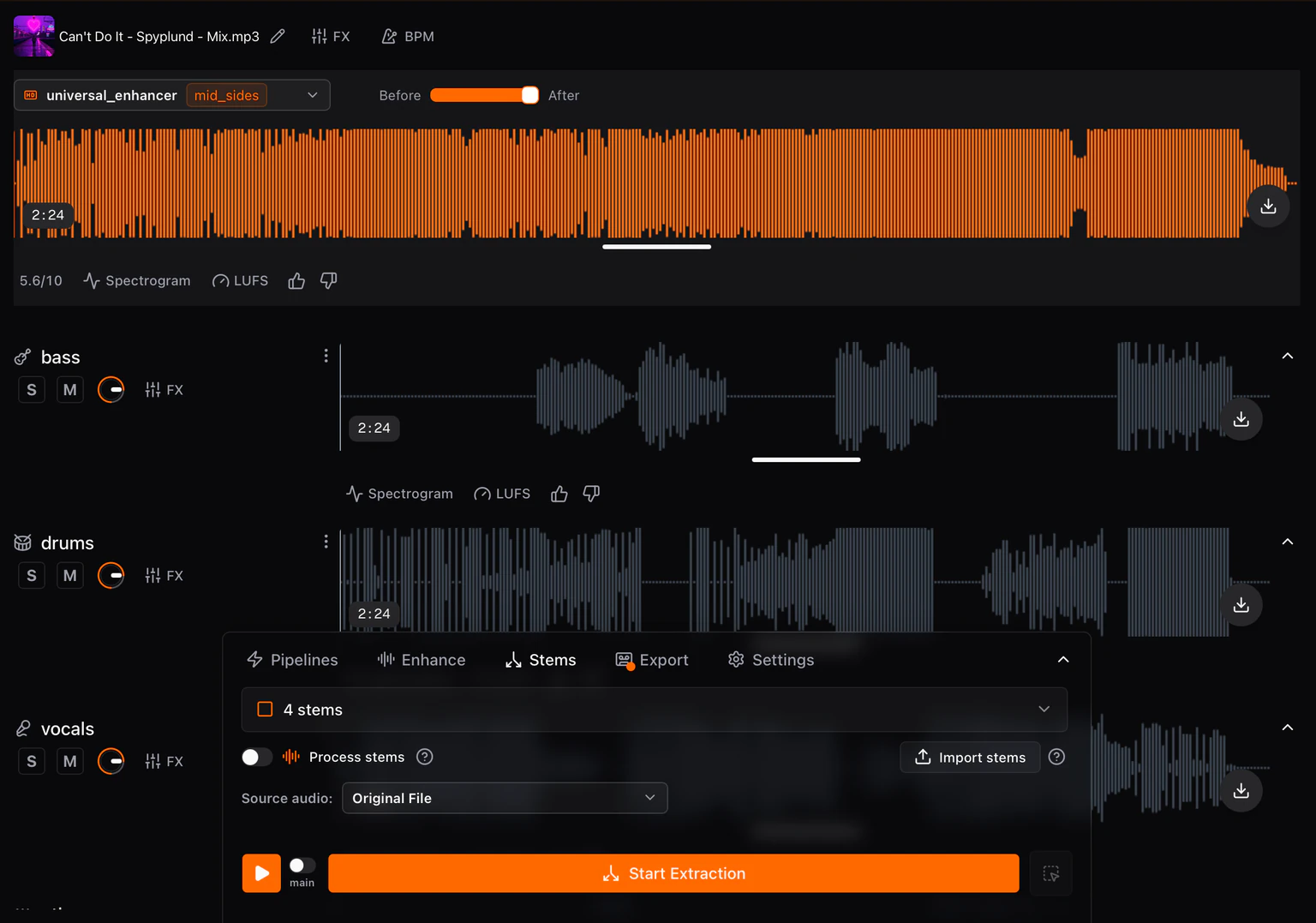
Extract vocals, drums, bass, and instruments, or describe one sound for SAM Audio. Completed stem rows appear below the full song.
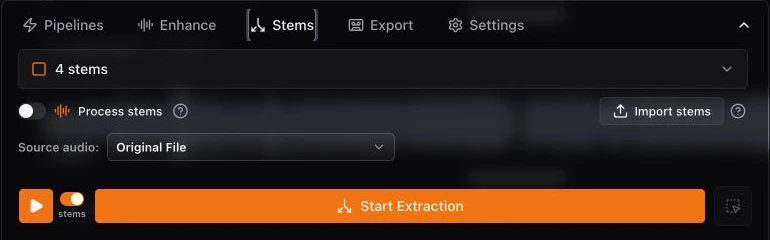
Extract standard stems
- Open Split and choose 4 stems for vocals, drums, bass, and other, or select another preset.
- The imported file is already selected under Input. Change it only to split another version.
- Leave Enhance stems off for separation alone.
- Check the cost multiplier badge on the selected option, if one appears, then choose Start Extraction.
Extract one described sound
- Choose the Custom/SAM Audio option and enter a short prompt such as “lead vocal” or “electric guitar solo.”
- If the sound occurs only in part of the song, hold Ctrl/Command and drag over that interval to add a prompt region.
- SAM Audio Large costs more processing minutes than the standard presets, so test the prompt on a short section first.
This demo shows how SAM Audio isolates a sound described with a text prompt.

Understand stems enhancement
Runs the selected enhancement, mastering, or transcription model after splitting and creates a processed version for every non-silent output stem.
Import stems you already have
- Open Split and choose Import stems.
- Select one or more stem files. Each file becomes a stem row; no separation model runs.
- The files must already share the same start time. Studio does not time-align unrelated bounces.
Hide or delete stem rows
Click the chevron-up icon at the right of a stem row to hide it. A hidden stem is also silenced, so it does not play in the combined stems mix. Click the chevron-down icon to show and hear it again.
To remove a stem permanently, open its three-dot menu, choose Delete, and confirm. Deletion cannot be undone; use the chevron when you only want the stem out of view and playback.
Review and export
- Switch playback to stems and Solo each row to check the separation.
- Clear Solo and play all stems together to check the reconstruction.
- In Export, choose Combined Stems for the current mix or Individual stems for separate files.