RPG Maker 2000 RTP Sound Effects Restored to 48 kHz with UniverSR
I grew up with RPG Maker 2000, so I tried restoring its classic RTP sound effects with modern audio super-resolution. It worked: all 203 sounds now play at 48 kHz, and you can download the restored pack below.
RPG Maker 2000 (RM2k) is game development software released in 2000. It shipped with pre-made assets in its RTP (run-time package), including sound effects that many indie developers used in their games. These sounds are iconic for anyone who grew up playing RM2k games, but they are low quality by today's standards.
Could super-resolution restore them? Super-resolution is image upscaling, but for sound.

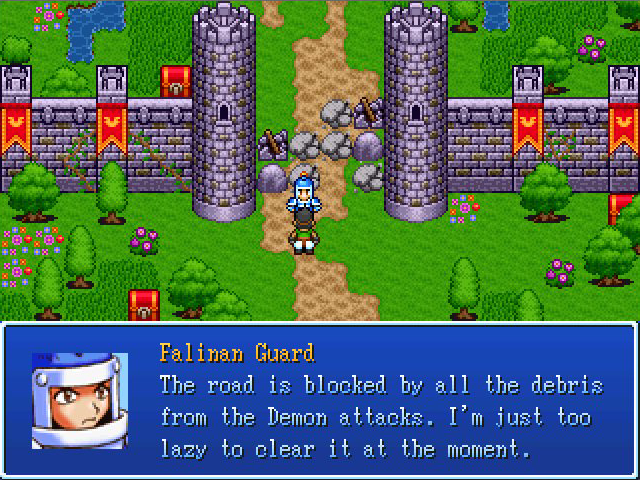
Original
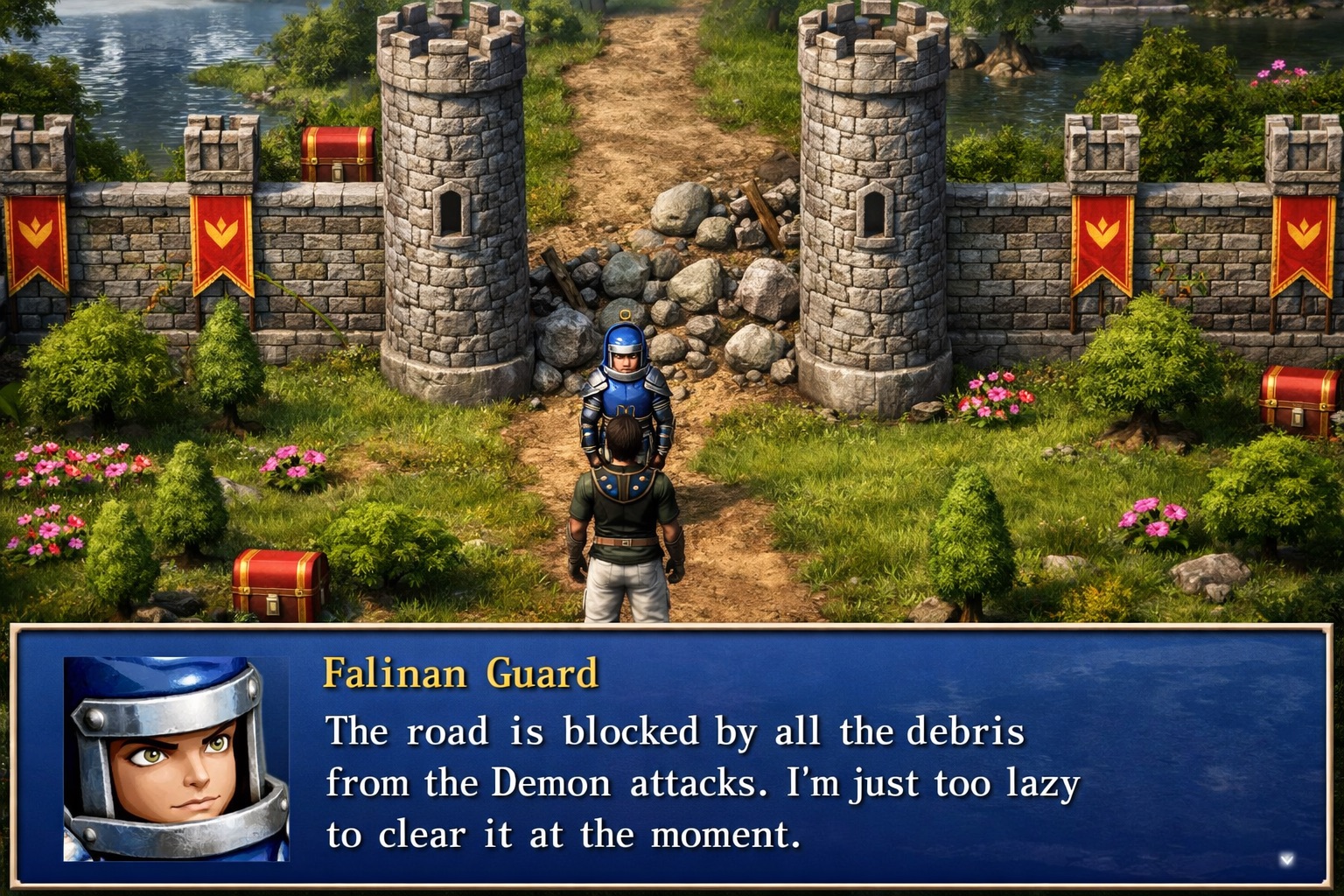
Super resolution
Why is this difficult? You can enlarge a tiny image in Paint, but that doesn't add real detail. It only makes the image blurry and pixelated. Audio works the same way: converting an MP3 to WAV or a higher sample rate doesn't restore what was missing. The goal is to add the missing detail back.
Here is the original "Sword2.wav" effect from the RM2k RTP.
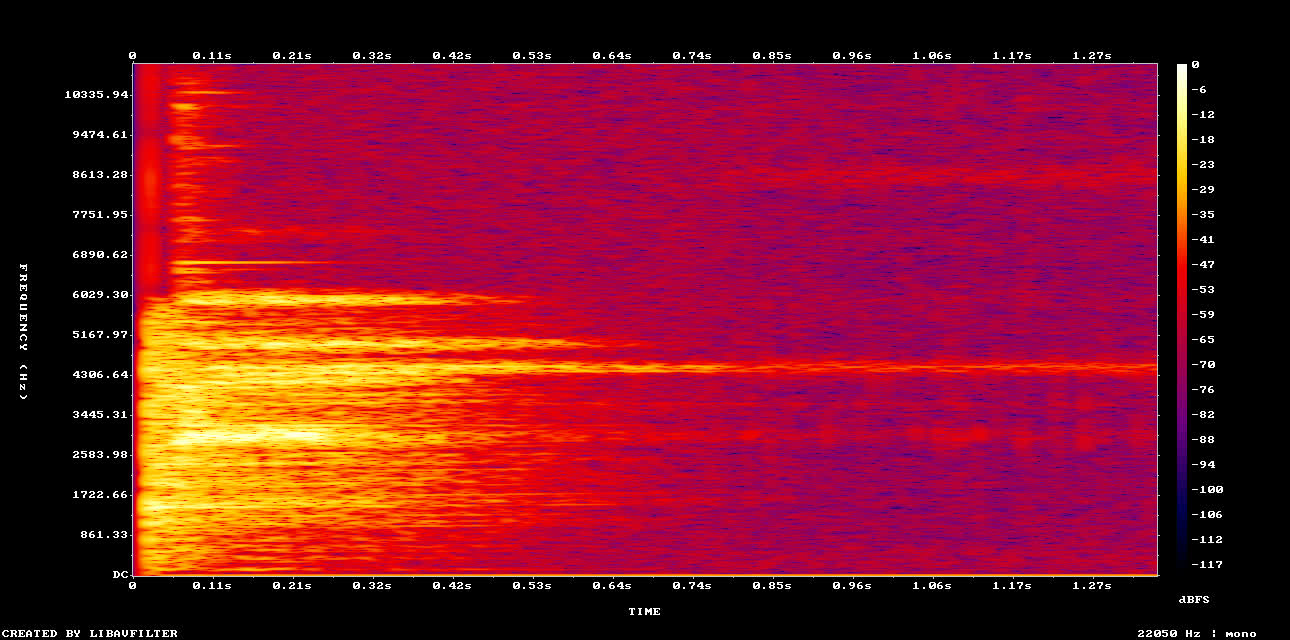
The image above is a spectrogram: it shows the frequency content of the sound over time. Brighter areas are frequencies and moments where the sound is louder.
The audio sounds like it comes from a 1980s cassette of a karate movie. The file is a WAV, but it was saved at 22.05 kHz and 16-bit to save disk space. A 22.05 kHz file can't hold anything above 11 kHz (half its sample rate), and the spectrogram tops out around 10 kHz. Humans hear up to around 20 kHz, so a lot of detail is missing, and high frequencies still shape how we perceive quality. Take the online hearing test to check whether you can hear these frequencies.
Now, here is the restored version, processed with UniverSR on Neural Analog:
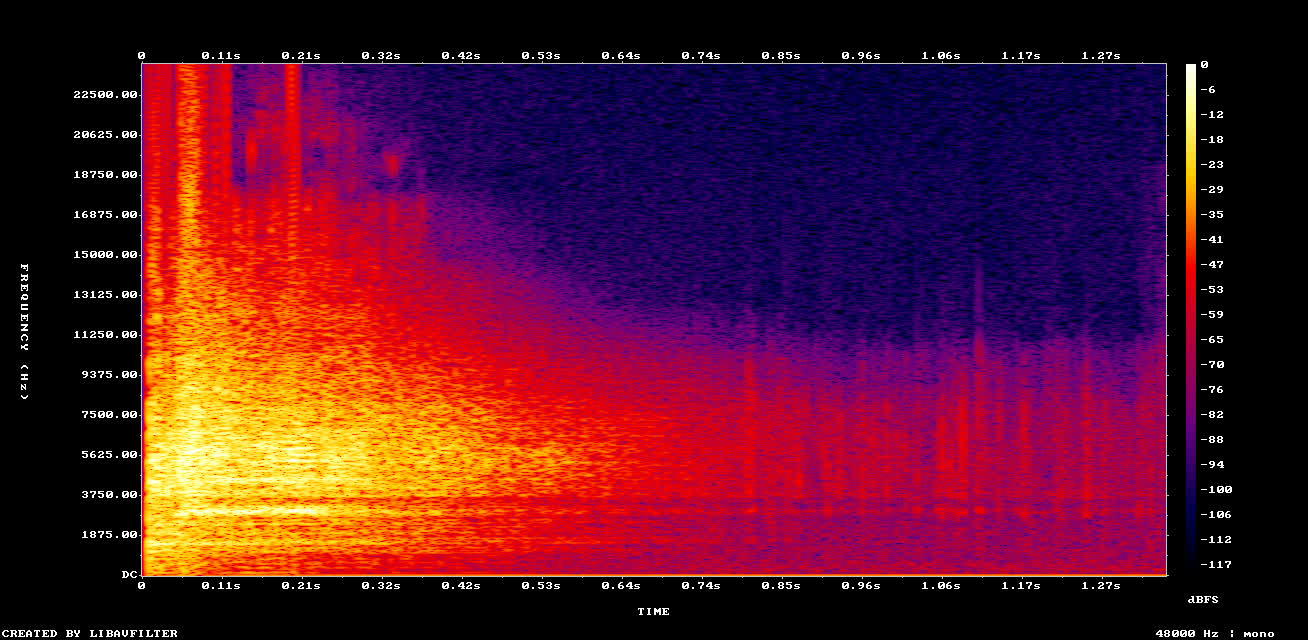
Look at the spectrogram: the scale now goes up to 24 kHz. The new file is 48 kHz, 24-bit, a higher sample rate and bit depth than CD audio (44.1 kHz, 16-bit). When you listen, the sound is brighter.
It isn't just louder, re-equalized, or drenched in reverb. The new high frequencies follow the structure of the original sound, as if someone had painted the missing detail back in.
That's audio restoration, and I did it for every RTP sound effect.
Download all of the restored RPG Maker 2000 RTP sound effects
I processed all 203 sound effects from the RPG Maker 2000 RTP into 48 kHz versions.
Download all of the restored RPG Maker 2000 RTP sounds (ZIP)
Looking for the original files instead? The official RPG Maker 2000 RTP installer is on the RPG Maker run-time package page. For a free replacement under open licenses, see the EasyRPG RTP.
More RPG Maker 2000 RTP Restoration Examples
Jump1.wav
Original RTP
Restored
Absorption1.wav
Original RTP
Restored
Bite.wav
Original RTP
Restored
Bell.wav
Original RTP
Restored
Explosion2.wav
Original RTP
Restored
Sheep.wav
Original RTP
Restored
How does the UniverSR restoration model work?
I didn't find the original high-quality files, record new ones, or search sound banks. I used a machine learning model.
UniverSR is an audio super-resolution model developed by researchers in Seoul. The UniverSR model card has more technical details. It takes low-quality audio as input and reconstructs a higher-quality version of the same sound.
In simple terms, the UniverSR model turns the audio into a spectrogram with an STFT (short-time Fourier transform). It then generates the missing high frequencies using flow matching, a generative technique also used by image models such as Stable Diffusion 3 and FLUX. Finally, the spectrogram is turned back into audio.
UniverSR was trained on a wide variety of copyright-free audio datasets, including speech, music, and sound effects. The training files are downsampled to create low/high resolution pairs, and the model learns to infer a believable high-resolution version from the low-resolution one.
The model "paints in" missing detail that is consistent with the original sound. Expect it to work best on sounds similar to its training data. The FAQ lists what kind of audio to use UniverSR on.
How to run UniverSR?
UniverSR is open source, but running it yourself takes some technical knowledge and a strong GPU. I ran it with UniverSR online on Neural Analog instead. I imported the 203 RTP sounds in one batch, selected them all, and ran the UniverSR-based restoration on the whole selection in one click (mono, 4 kHz cutoff restored up to 24 kHz).
Processing the whole pack took about 20 minutes. The model is not the fastest, but its results beat the other option I tried (AudioSR, which you can also install from GitHub).
I downloaded the files as a ZIP. Here is the link again:
Download the restored RPGRT archive
If you're in a game jam or just revisiting RM2k, I hope these are useful.
What other audio can be restored?
We all accumulate low-quality audio: voice memos, social media videos, music files, field recordings, and more. For music, including AI-generated songs, see how to fix AI song audio quality.
Some of it is irreplaceable. Audio super-resolution models like UniverSR can restore these recordings so they sound better on modern equipment.
Want to restore your own lo-fi sound effects, archival recordings, or degraded music without setting up a local GPU? Run the same UniverSR workflow directly on Neural Analog.